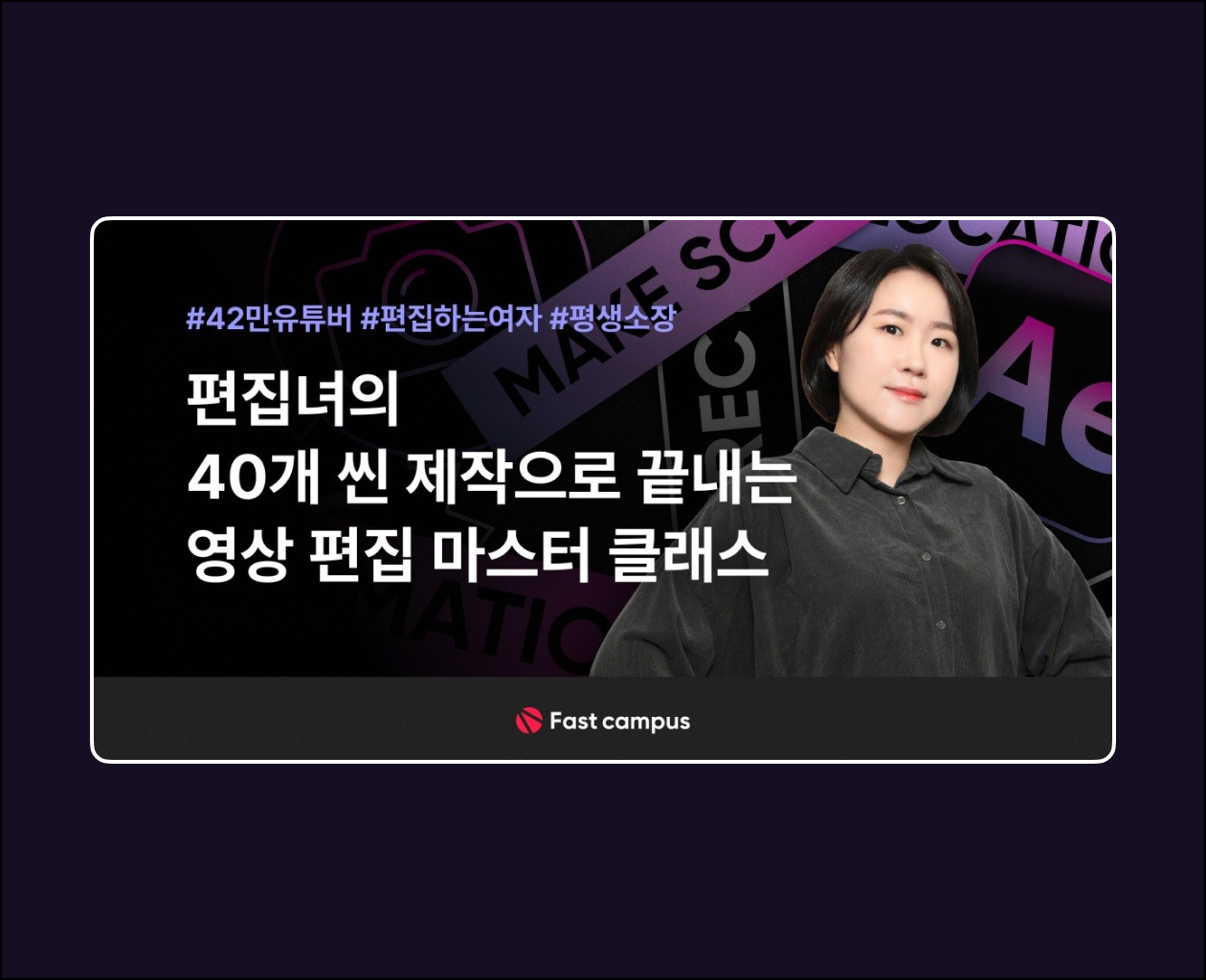
· 40 scene production exercises, over 51 lecture clips (approx. 34 hours)
· Composed of 4 main themes:
① Warm-up
② Scene Production
③ Catching Up with Ads
④ A Spoonful of Story
· Intermediate – Advanced
· This course requires basic knowledge of Adobe After Effects.
- Practice creating 40 scenes in After EffectsComplete 40 works by recreating high-quality scene videos and advertising videos using various effects.
- Exclusive reveal of know-how for video designersI will share all the know-how to level up into a skilled video editor that you won’t find on YouTube.
PART 1. Orientation1) Instructor Introduction
2) Course Introduction
PART 2. Warm-up (Projects 1~10)1) How to recreate the Logitech logo motion
2) Creating a more fun search bar motion intro
3) Creating a simple clock scene using Clock Exp
4) Creating a message scene using an envelope
5) Making a set of 3 graph motions suitable for professional use
6) Creating a calendar turning scene
7) Creating a scene with a microchip and technology feel
8) Creating a simple space-themed intro
9) Creating an emoji motion scene
10) Creating an event video scene with a strong summer vibe
PART 3-1. MAKE SCENE (Projects 11~20)11) Creating Text-Based Scenes
12) Creating Beauty Product Infomercial Scenes
13) Making a Simple yet Dynamic Video Slideshow
14) Creating a Paper Airplane Entering the Clouds Intro
15) Product Scene Creation Project Using Lines and Objects
16) Creating a Slideshow Using Models, Text, and Layouts
17) Creating a Scene Intro Using Characters
18) Creating a Title Appearing as the Earth Rotates
19) Creating Infographic Scenes to Convey a Message
20) Creating a Rotating Coin
PART 3-2. MAKE SCENE (Projects 21~30)21) Creating a tablet intro using spinning coins
22) Creating an Instagram-style slideshow
23) Creating a cooking show ID
24) Creating a beauty product scene with Liquid Animation
25) Creating a handshake scene
26) Creating text stroke motion
27) Creating a game program opening
28) Creating a location scene with an unfolding map
29) Creating a dynamic fashion infomercial scene
30) Creating a map scene using a 3D map
PART 3-3. MAKE SCENE (Projects 31~37)31) Creating a packaging scene made of boxes
32) Creating a retro-style program opening
33) Creating an infographic scene using label animation
34) Creating a paper-style promotional video
35) Creating a text motion scene with thickening strokes
36) Creating a kids’ channel program opening
37) Creating typography using letter spacing
PART 4. Catching Up with Ads (Projects 38~40)38) Copying Fast Campus Ad Videos (50 Project)
39) Copying Fast Campus Ad Videos (UX UI)
40) Copying Adobe Program Ads
PART 5. A Spoonful of Stories (Advice for Practitioners)- Here’s how to study video editing and motion graphics.
– Things to watch out for when creating a video portfolio .
– 5 super simple ways to liven up boring videos
. – Do you need to be able to shoot, edit, do 2D, do 3D, draw, and do everything else?
– Great reference sites to look at
. – “Dissecting references”? What does that mean?
– 4 important things in video that you must never forget.
– The workflow and sequence a female editor
uses. – What are the standards of skill in the industry?
– Do you want to become a video freelancer? Then remember this.
Access: Telegram | MP4
Price — 30$