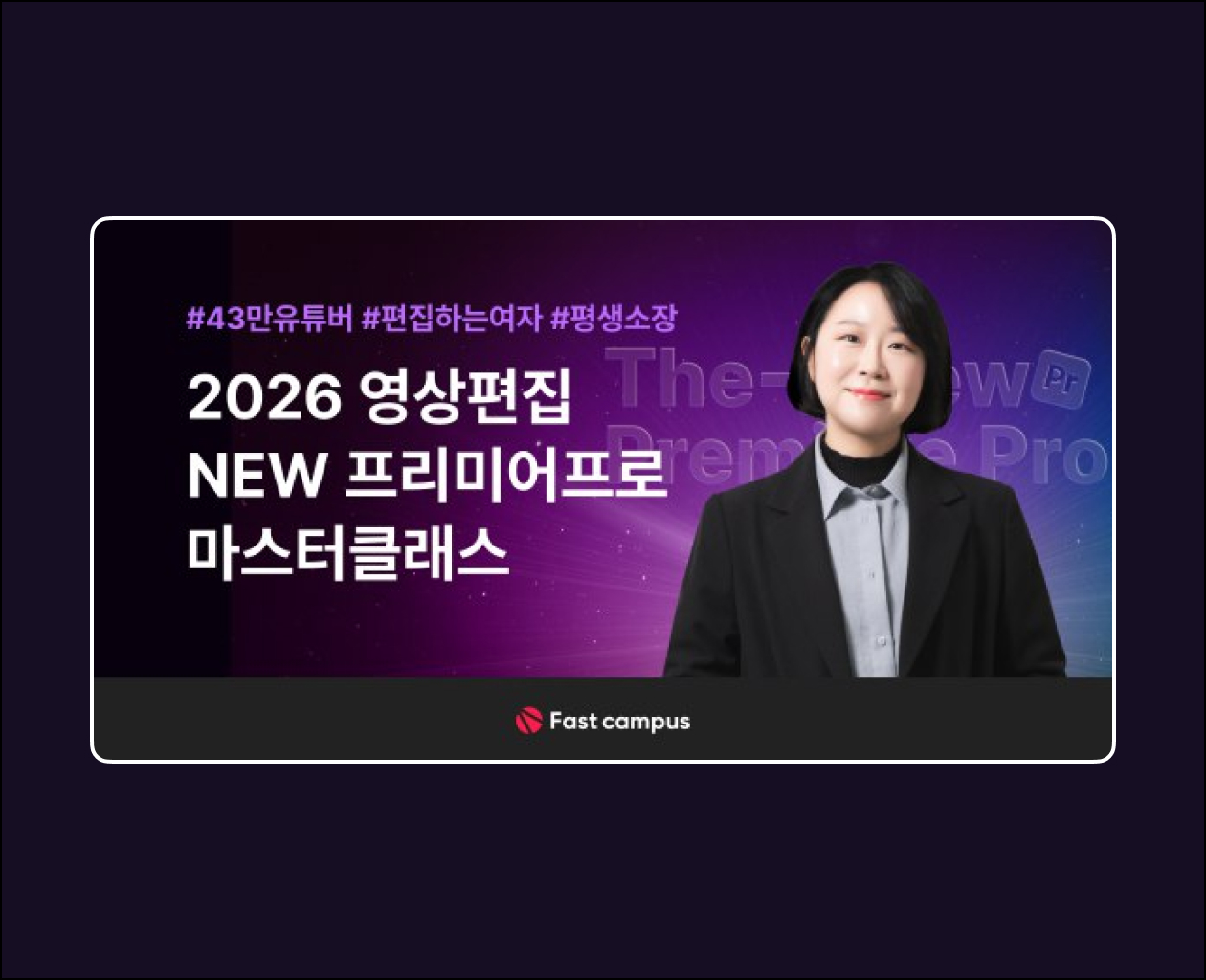
The Edit Girl is back with the latest version of Premiere Pro! Learn everything about Premiere Pro editing essentials through trendy examples
It is structured to help you develop
REAL video editing skills so that you can create videos you have seen elsewhere on your own .
True skill is built when you can produce videos you’ve seen elsewhere on your own, in addition to the lecture content! This
course is composed entirely of examples designed to help you build genuine skills.
Freely control speed with time remapping!
Highlight people, objects, and backgrounds elegantly in sync with the music using Speed Ramping Transition
.

Using various video sources
Let’s create key focal points in a dull video using Green Screen, Overlay, and Luma Matte .
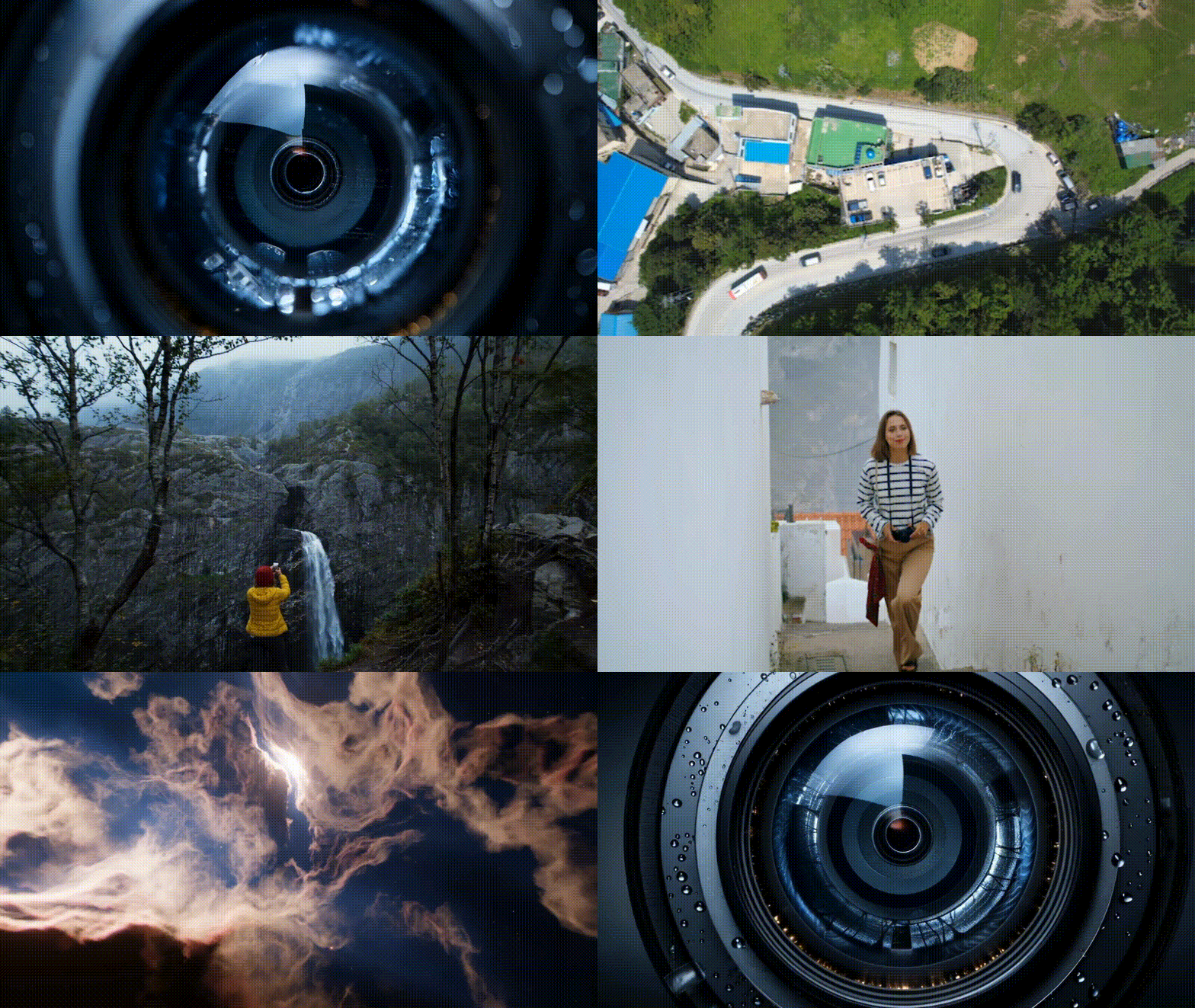
Dynamic transitions appearing in commercials, travel videos, etc.
Let’s create dynamic videos using various presets such as zoom in, zoom out, and rotation .

Creating an intro using generative AI
Create dynamic and vivid intros using Adobe Expess’s generative AI.
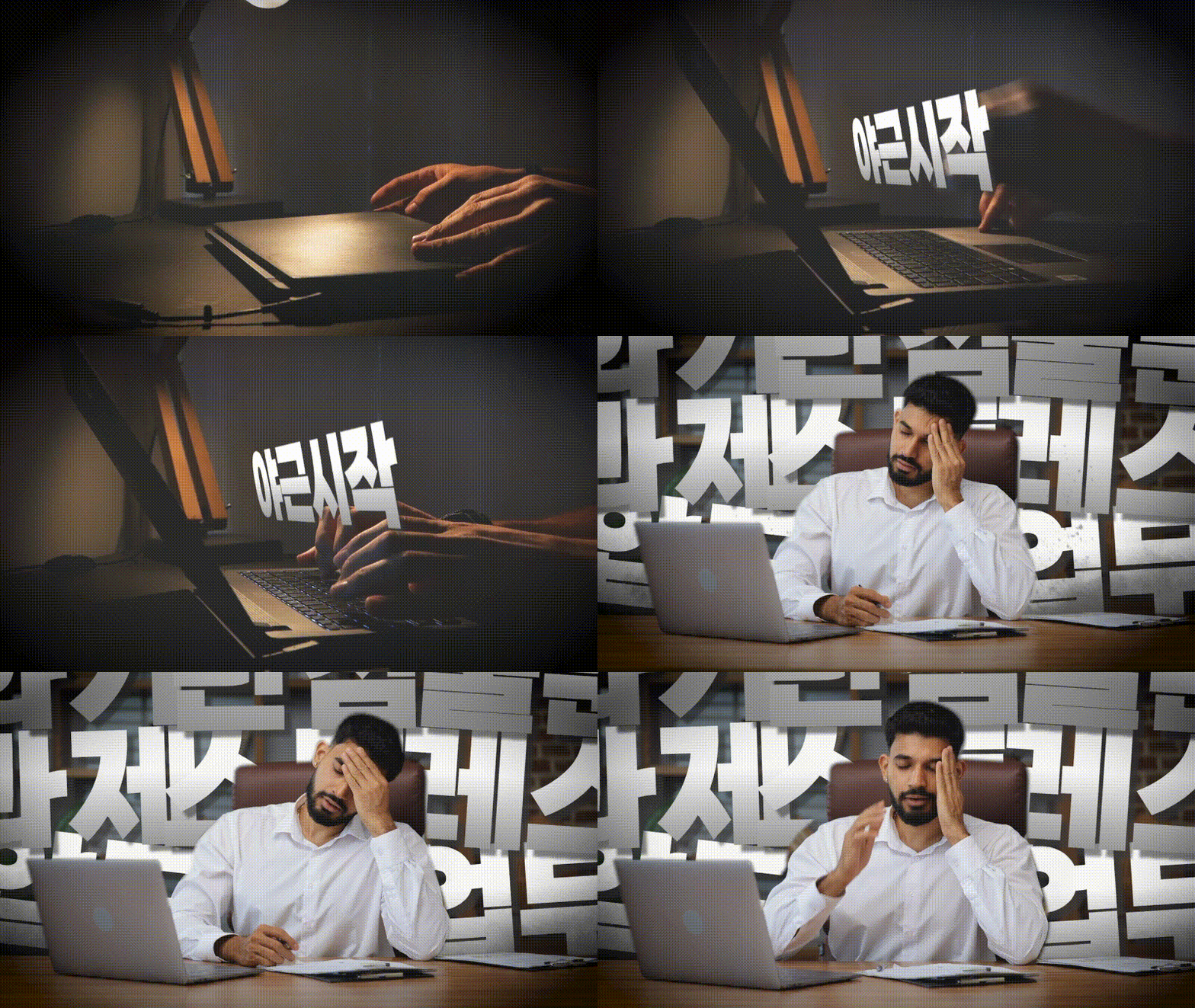
Adding effects to videos using masks
Apply mask effects to various video sources
to add vibrancy and creativity to your videos.

Creating Layouts and Sources
Try changing a part of the video into a trendy style and highlighting it by utilizing various sources .
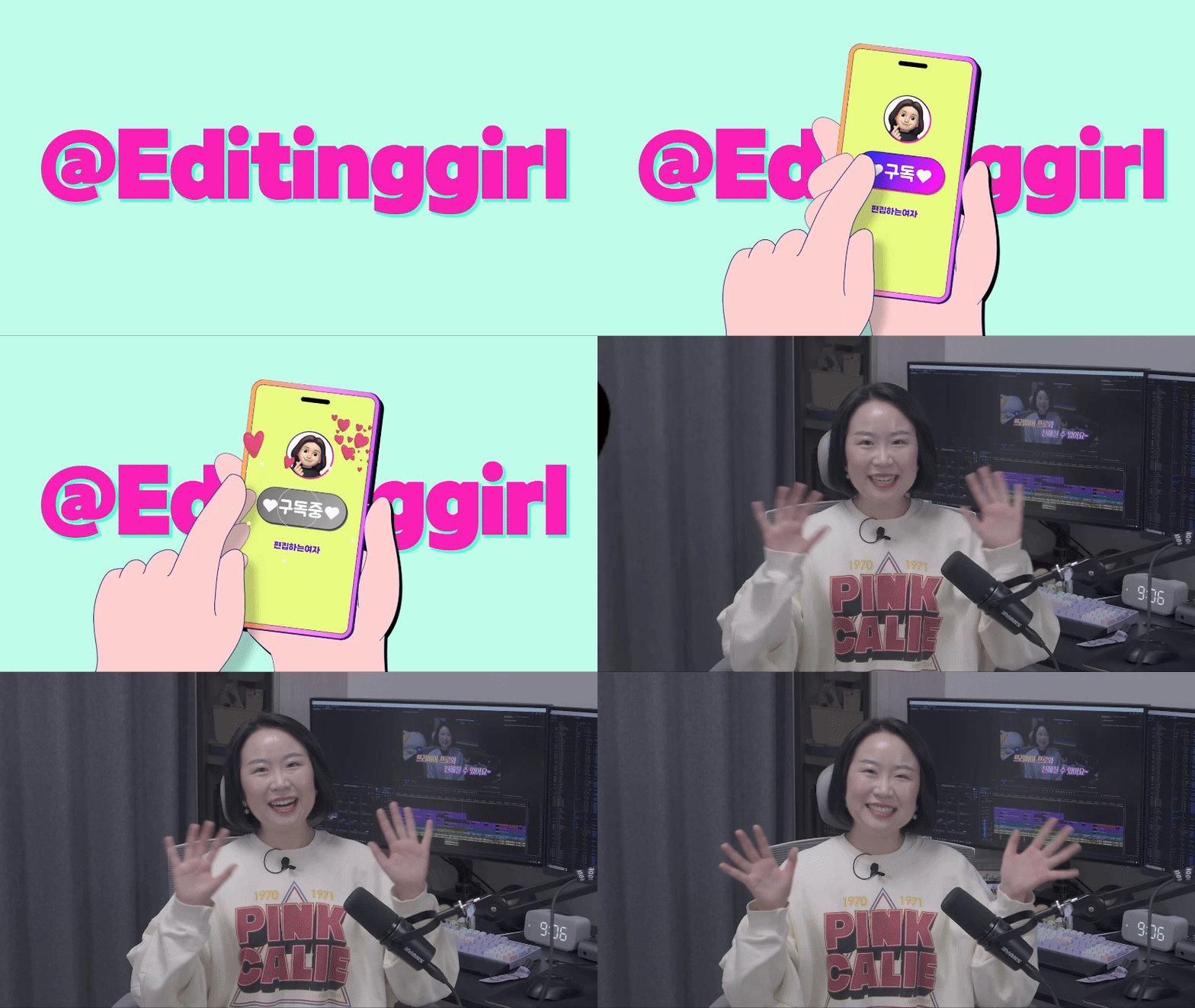
Creating an intro using source code
Try creating an intro to promote your videos and channel using 3D sources.
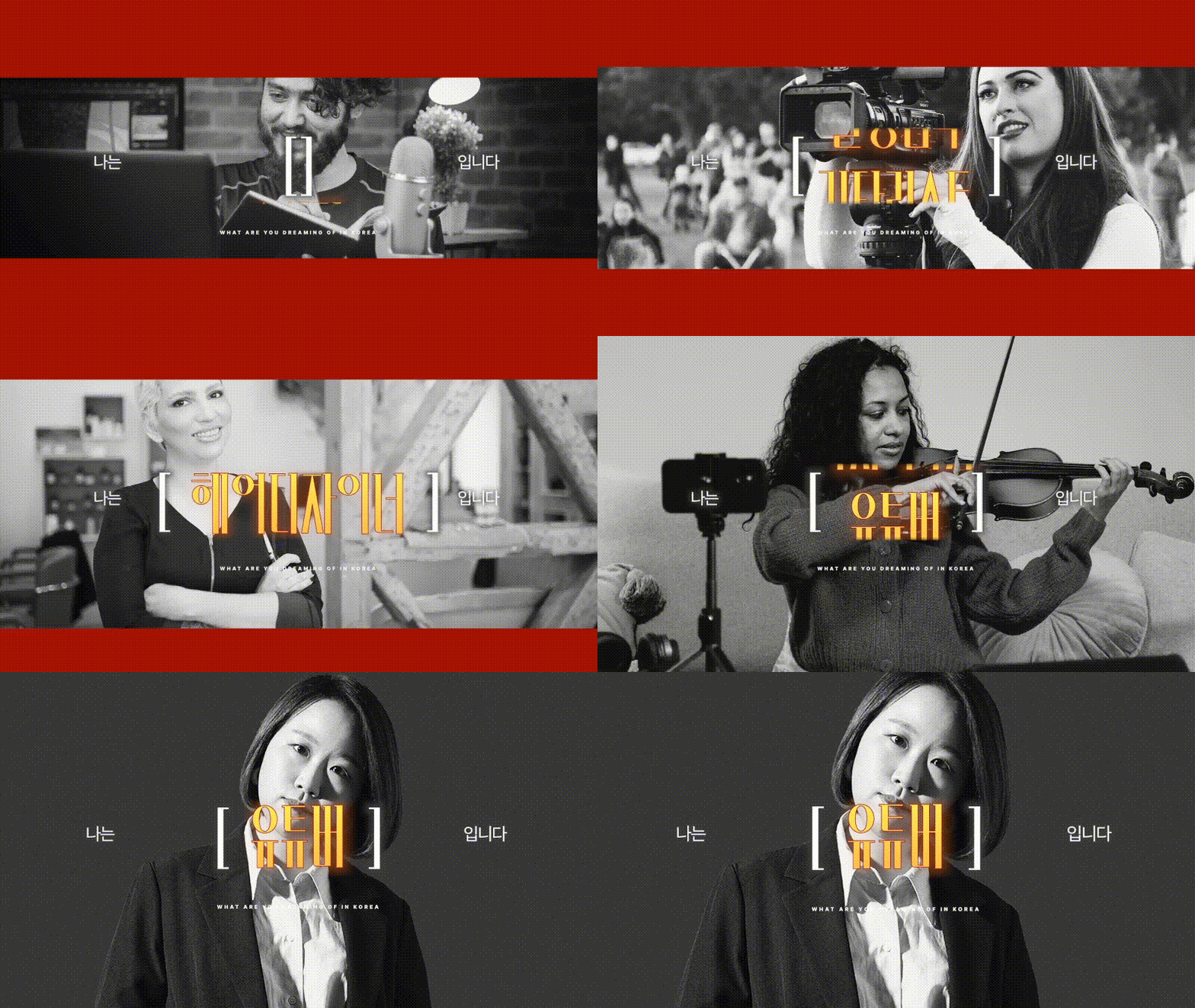
Keyword emphasis using keyword rolling motion
Use the source
to emphasize the message you want to convey through keyword rolling motion.
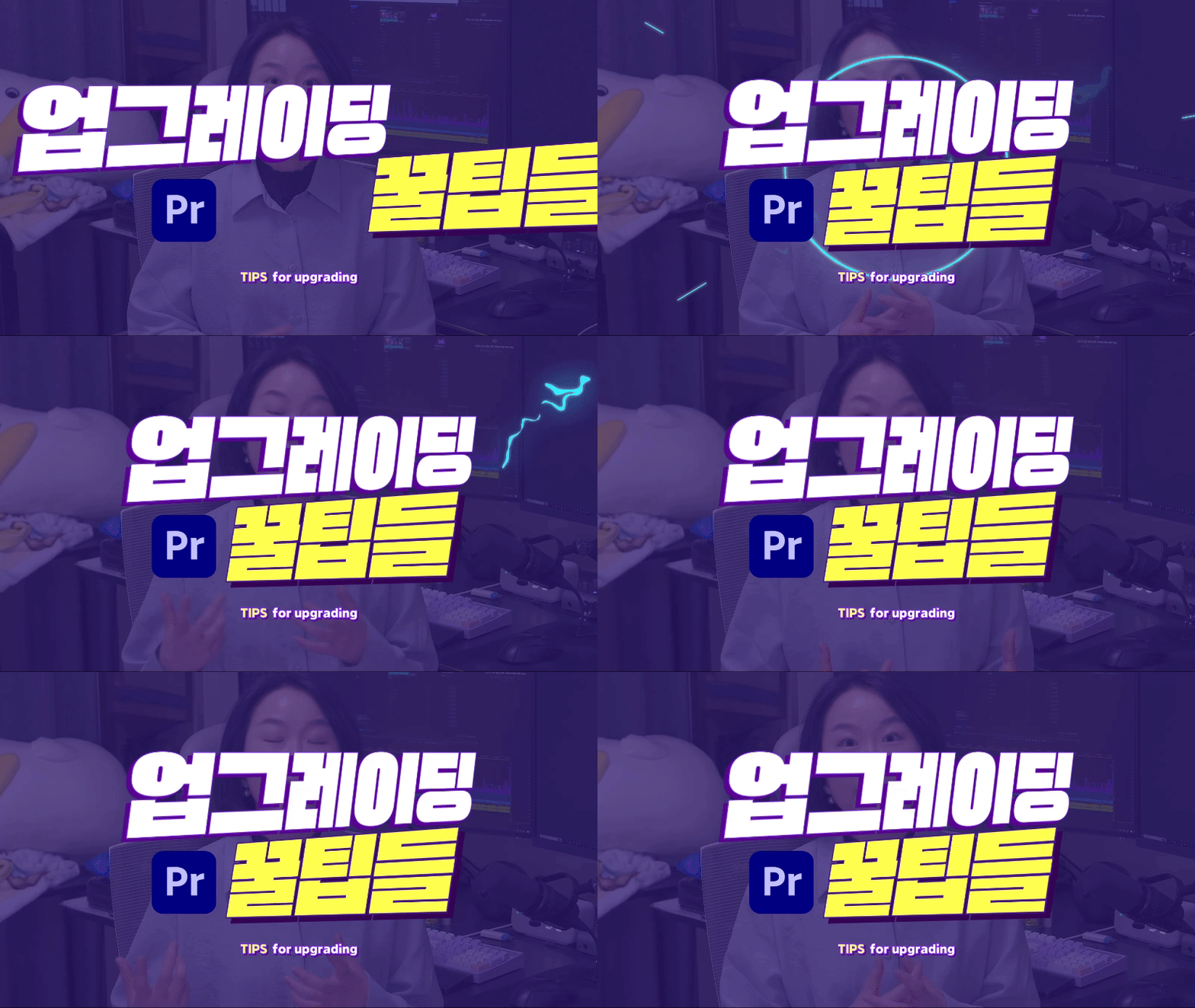
Intermediate Editing Tips to Maximize Work Efficiency
I will share the expertise of a female editor who maximizes editing efficiency while maintaining high quality .
Access: Telegram | MP4
Price — 30$