Learn the complete process of producing an animated film.
Animation is booming. Whether in Brazil or abroad, this branch of digital art is one of the most promising for those who want to work with studios, production companies, TV stations, and entertainment and content platforms. And it’s no wonder: streaming platforms constantly need to create new productions for their subscribers; in the advertising world, agencies work in partnership with freelancers and studios capable of bringing their campaigns to life; the multi-million dollar film and gaming industries also remain strong, attracting artists from all over the world every year to contribute to their blockbuster productions.
In this context, the 2D Character Animation course emerges as an excellent option for artists who wish to work in this field, and more than that, who want to stand out in a market that is only growing.

What you will learn in the “2D Character Animation” course
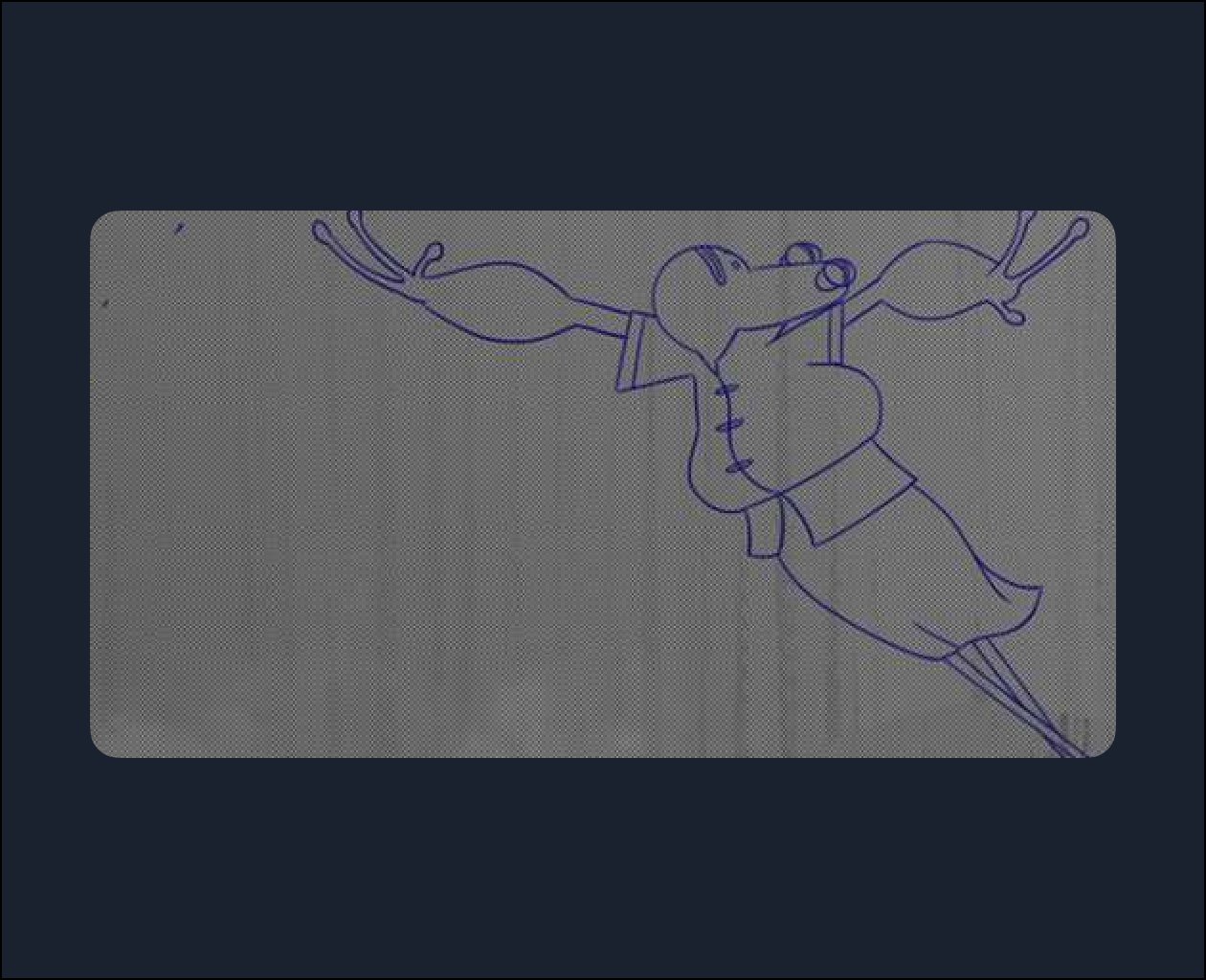
“Kaeru” is the romanized spelling of a Japanese word that can mean “return” and also “frog,” and in that culture, frogs are considered symbols that prosperity and fortune will return to where there are frogs. The idea for the project came from instructors Katan Walker and Gabriel Agustin Freire, inspired by the culture of Studio Ghibli animations.
In this course, you will follow a complete process of producing an animated film and learn the different stages involved in 2D Character Animation .
Instructor Gabriel Agustin will break down the principles of animation and demonstrate their application. Emphasizing collaborative work, he will teach you how to bring a character to life, placing it in context to enhance its story, and providing a foundation for creating a background setting.
To bring your character to life, you’ll use software such as Adobe Photoshop, Adobe After Effects, and Adobe Animate. Gabriel discusses the different types of animation: traditional, cut-out, and interpolated, and also teaches key concepts, organizational tools, and tricks that will make your journey to creating your own animation easier.
Throughout the course, you will see content such as:
- History and Theories of Animation
- References
- How to Use Miro (mind mapping)
- Character Design
- Storyboard
- Background Breakdown
- Animatic
- Keyframes
- Inbetweens
- Clean Up
- Workflow
Check the Adobe website for the minimum recommended system requirements for installing Photoshop : https://helpx.adobe.com/pt/photoshop/system-requirements.html
Check the Adobe website for the minimum recommended system requirements for installing Animate :
It is also recommended to have a graphics tablet for this course!