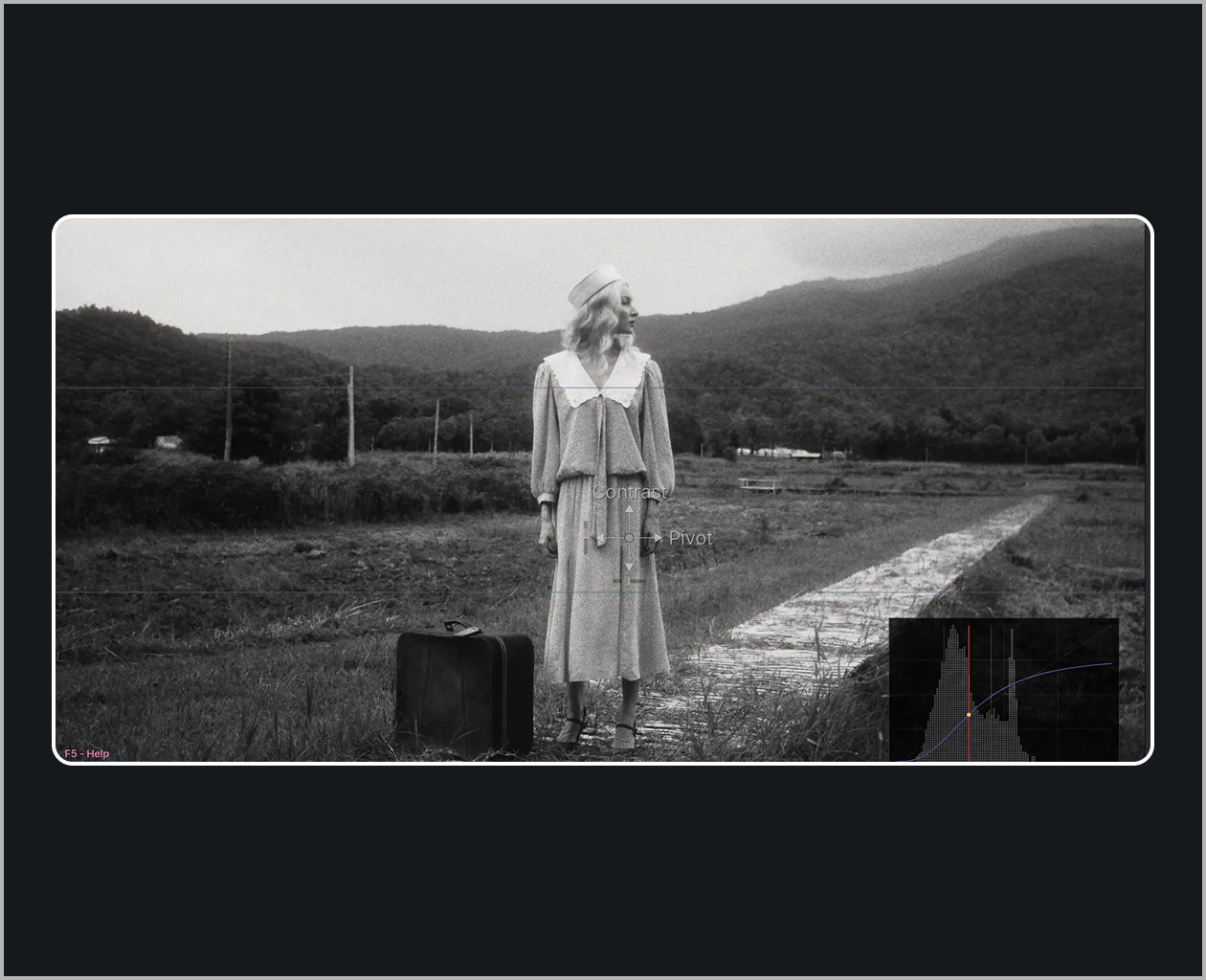
Grade on the edit page or the colour page. Drag on the preview to adjust colour, contrast, density, saturation and more. Plus Grain, Halation & Bloom! Easy, fast and intuitive. Works on both Free & Studio versions of DaVinci Resolve. Bosh!
40 film stocks, based on real film data.
Not “filmic-ish” presets – proper emulation built from measured film characteristics. Pick a stock and MagicGrade handles the colour response, the contrast curve and the grain. One click, and your footage stops looking digital. Every frame below is the same shot, rendered by the plugin.
Simple controls. Real colour science.
The sliders feel simple because the maths underneath is serious – the same colour science you’d find in a high-end grading pipeline, with none of the homework.
- Linear Gain Exposure – brightness moves like a real camera stop, not a brightness filter
- Tetrahedral Colour Warper – clean hue moves that hold together, no banding, no broken gradients
- Filmic saturation & density – colour gets richer the way film does, never neon
Sources:MagicGrade - Colour, simplified.