What You Will Learn
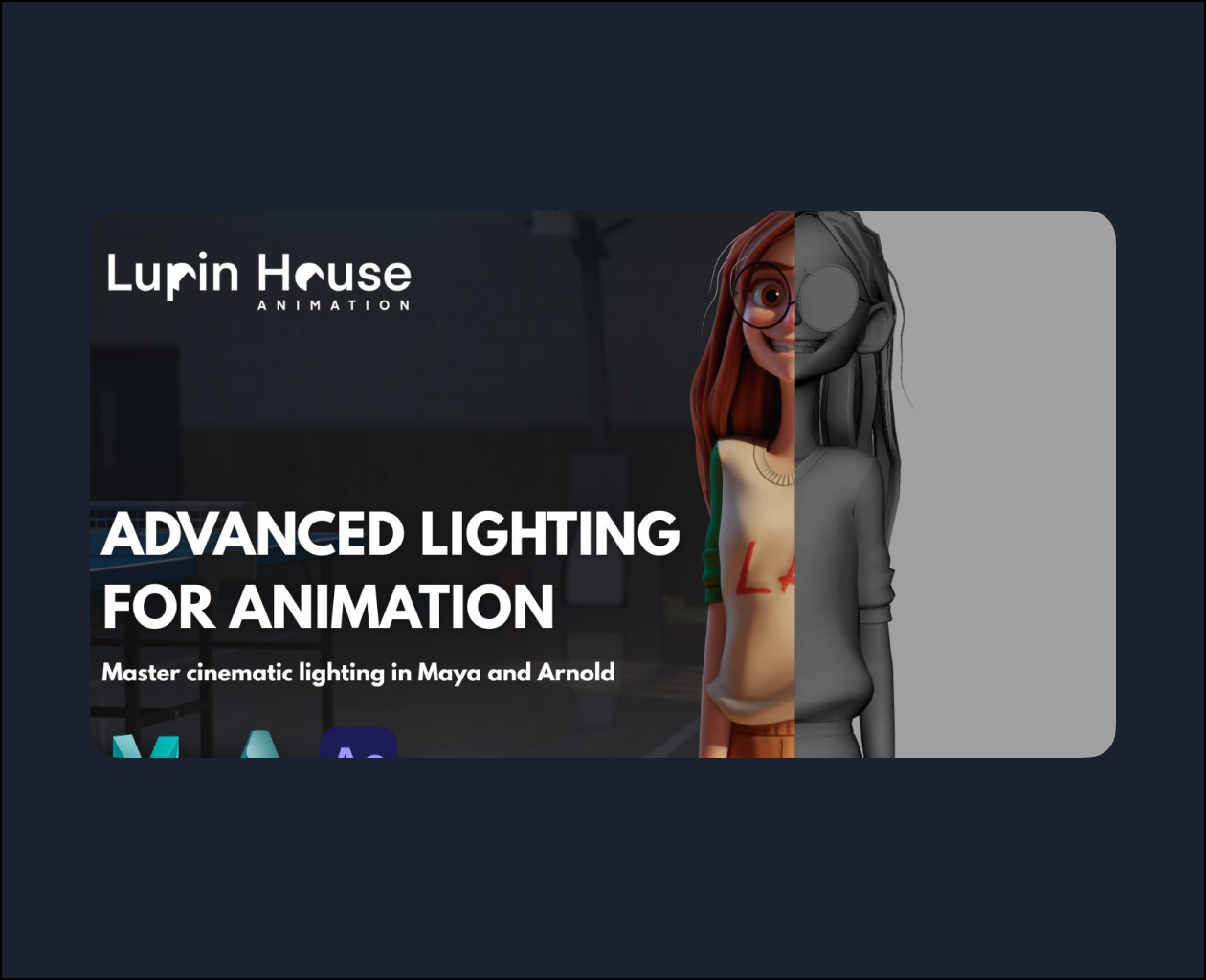
Learn the main tools used by the animation industry and their techniques in an easy way.
You will learn how to position the lights in a scene so that it looks beautiful and pleasing to the audience, how to use colors, how to separate layers for rendering and how to use lights to create a great final composition and render optimization.
Software
Maya, Arnold Render and After Effects
Level
While beginner friendly because we go step by step, these are advanced courses and basic knowledge of Maya is required.
Curriculum
Part 0: Setting Up The Cache
0.1 Exporting and Importing Alembic Cache
0.2 Assigning Textures
0.3 Importing Props
0.4 Background
0.5 Fixing Texture Paths
Part 1: Introduction to Arnold Renderer
1.1 Intro to Arnold
Part 2: Types of Lights
2.1 Area Lights
2.2 Directional Lights
2.3 Mesh Lights
2.4 Skydome Lights
2.5 Spot Lights
2.6 Volume Lights
2.7 Gobo Lights
2.8 Light Link
Part 3: Scene Lighting
3.1 Starting ACES
3.2 Lighting
3.3 Camera Settings
Part 4: Rendering
4.1 Render Layers
4.2 Render Settings & AOVs
Part 5: Post Production
5.1 Compositing (After Effects)