Madbax Navigation - Premium Animated Banner

Search Madbax

Find courses, tutorials, and creative resources

Enter to search
↑↓ to navigate
Esc to close
Madbax Navigation - Premium Animated Banner

Search Madbax

Find courses, tutorials, and creative resources

Enter to search
↑↓ to navigate
Esc to close
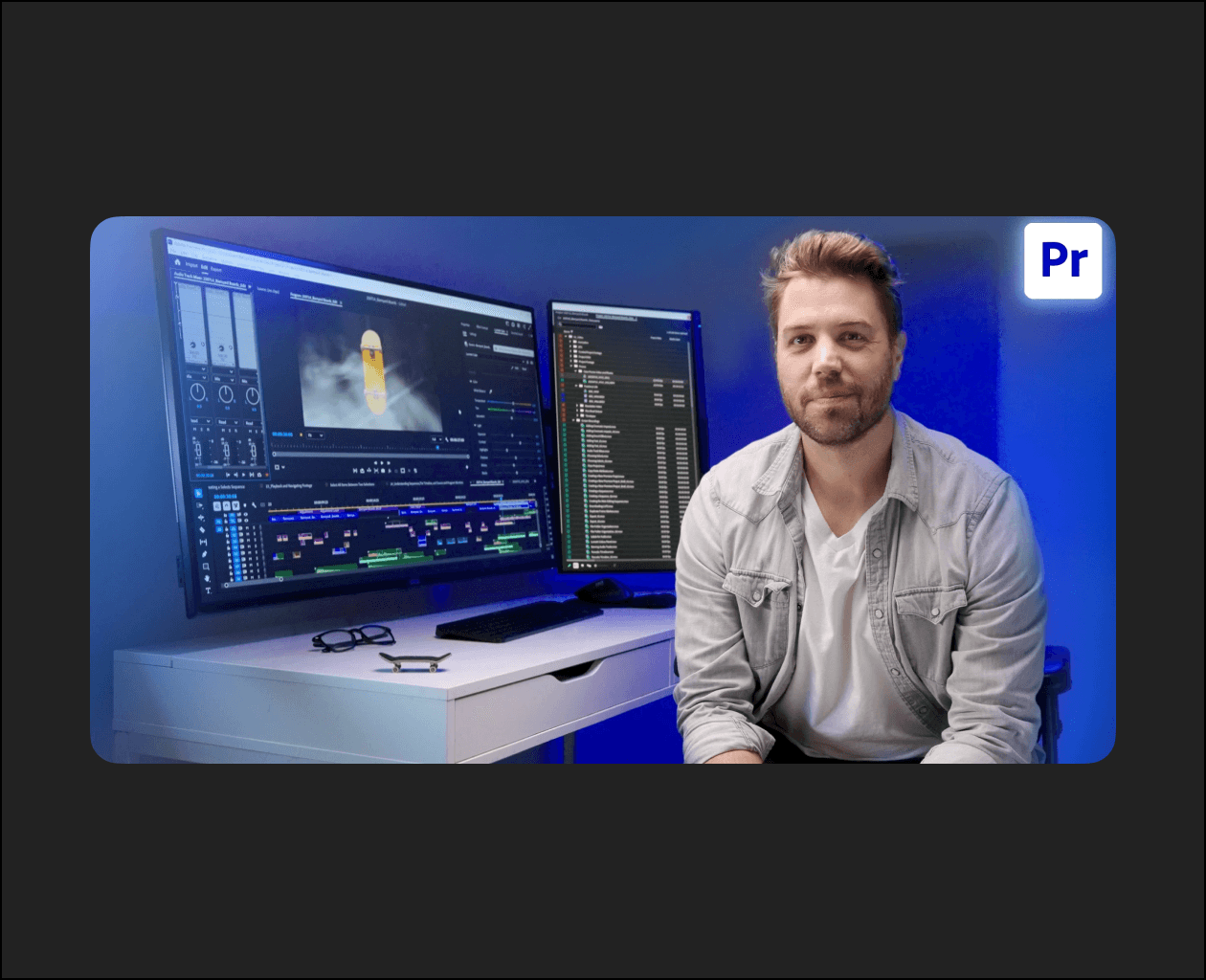
Home Courses Premiere Pro Edit With Confidence: A Step-by-Step Guide to Adobe Premiere Pro
Premiere Pro

Edit With Confidence: A Step-by-Step Guide to Adobe Premiere Pro

Share

In this class, you’ll create a short, action-packed video edit for Barnyard Boards, a fingerboard company that makes boards and custom parks. This is a very “Choose your own adventure” kind of project where you don’t have to follow a strict format or make one specific kind of ad.

This project is more of a creative challenge. You get access to footage, music, and sound effects to build your own version of an action-packed edit. Maybe you’ll make it fast and intense with loud music and quick cuts. Or maybe you’ll go slow, stylized, and poetic. You could even turn it into a super technical breakdown of the boards, explaining every feature in detail.

There’s no limit to the creative direction you can take. What’s consistent is the editing process we’ll follow.

By completing the project, you’ll help the lessons stick. You’ll leave with a process that works, or strengthen the one you already use. Most importantly, you’ll feel more confident heading into your next big edit.

Related Articles
Uncategorized

Mr Bet w Polsce – Metody wpłat i wypłat w kasynie online

Mr Bet w Polsce – Metody wpłat i wypłat w kasynie online...

The Group Buy Vault

100% Skill Improvement and Even Freelance Work: The Self-Taught Illustration Cheat Sheet (Korean)

Here is the description of the Coloso class “Foundational Drawing Skills for...

The Group Buy Vault

SketchUp, the Secret to High-Quality Webtoon Production (KOREAN)

Here is the description of the Coloso class “SketchUp: The Secret to...

VIP COURSES

Illustrator Basics to Master: Applying After Effects Motion

Here is the description of the Coloso class “Illustrator x After Effects...












