● Course Target Audience
• Complete Beginners: Perfect for those with zero prior rigging or advanced animation experience.
• Vector Artists & Illustrators: Designed for creators wanting to bring their own characters to life.
• Motion Designers: Ideal for After Effects users looking to add character animation to their commercial skill set.
● Core Curriculum Breakdown
1. Artwork Preparation & Layering
• The course begins in Adobe Illustrator, teaching students how to properly isolate limbs, draw overlapping circular joints, and use specific layer naming conventions to prevent character distortion.
2. Armature (Skeleton) Generation
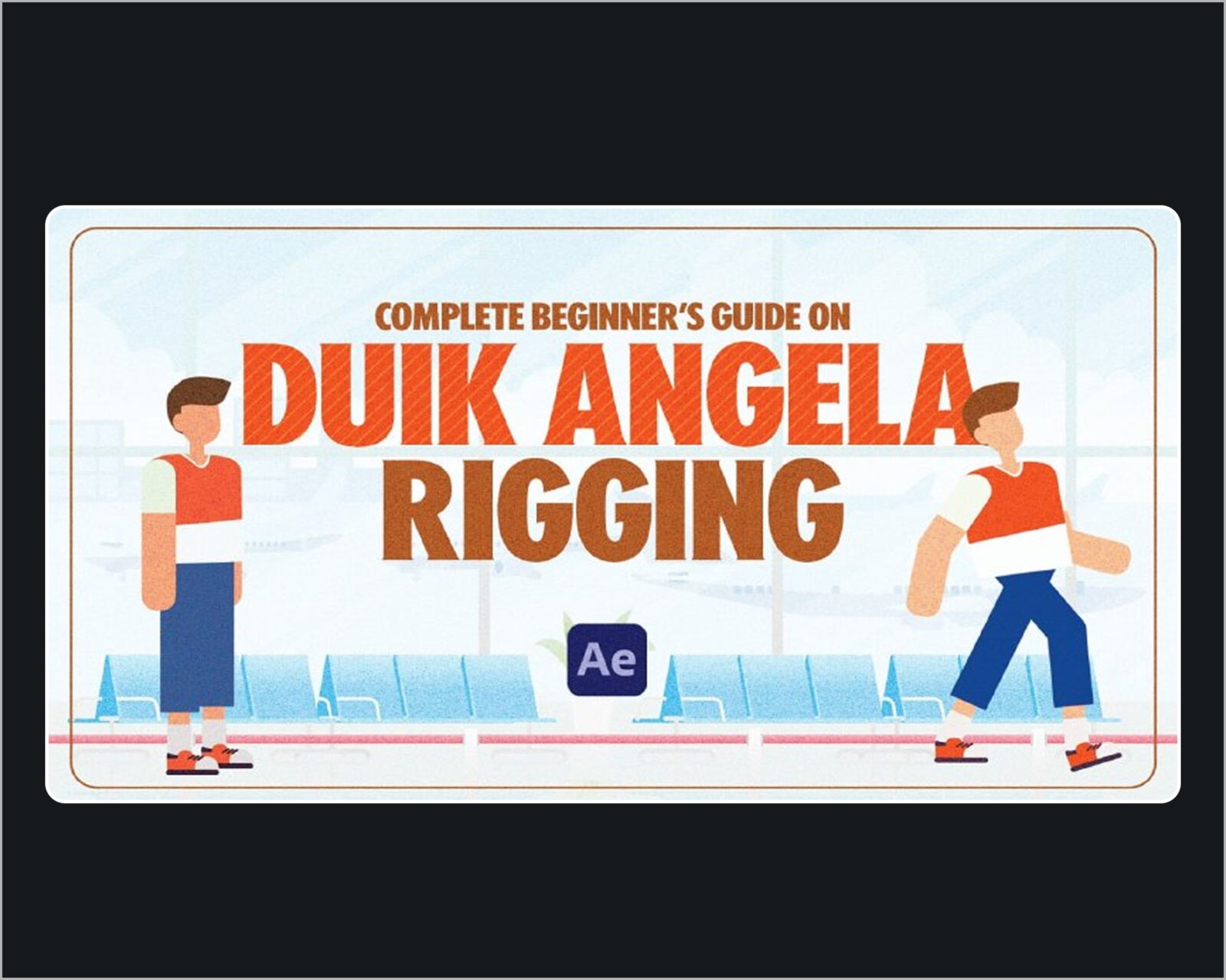
• Students learn how to use DUIK Ángela’s structure panel to generate an invisible digital skeleton (metarig) and precisely align joint nodes to match the character’s anatomy.
3. Binding & Auto-Rigging
• The lessons demonstrate how to connect the external vector artwork to the internal bone system, followed by using the “Auto-Rig” engine to instantly generate clean, color-coded visual controllers.
4. Automated Motion Cycles
• The final phase covers DUIK’s powerful secondary automation tools, showing students how to generate realistic walking and running loops without tedious, frame-by-frame limb tracking.
● Key Learning Outcomes
• By the end of the course, you will know how to take a multi-layered illustration, build a functional Inverse Kinematics (IK) rig, correct backward-bending joints, and apply automated motion loops for quick, production-ready character animations.