● Course Core Syllabus
● Module 1: Alpha Channel Mechanics & Scene Setup
- Vector Optimization: Learning to properly format, isolate, and prepare vector files or custom typography inside the timeline.
- Channel Targeting: Understanding how After Effects calculates alpha boundaries to isolate edge thickness and map lighting to graphic geometries.
● Module 2: Precision Customization & Light Sculpting
- Parameter Breakdown: Tweaking internal sweep controls, including shape selection (Linear vs. Smooth), sweep width, and core intensity values.
- Bevel Edge Mastery: Adjusting surface profiles, edge intensity, and angle directions to achieve authentic chrome, metallic, or glass finishes rather than a cheap plastic look.
● Module 3: Cinematic Interpolation & Curve Editing
- Spatial Tracking: Setting clean spatial paths for light center nodes to travel smoothly across complex shapes.
- Graph Editor Velocity: Moving past basic keyframing by manipulating speed curves and utilizing Easy Ease handles for a high-end, dynamic sweep deceleration.
● Module 4: Look-Development & Effects Stacking
- Blending & Atmosphere: Combining underlying native glows, blurs, and environmental maps to bloom lighting points organically.
- Composite Layering: Working with track mattes, blending configurations (Screen, Add), and adjustment layers to embed glare within complex moving backgrounds.
● Key Learning Objectives
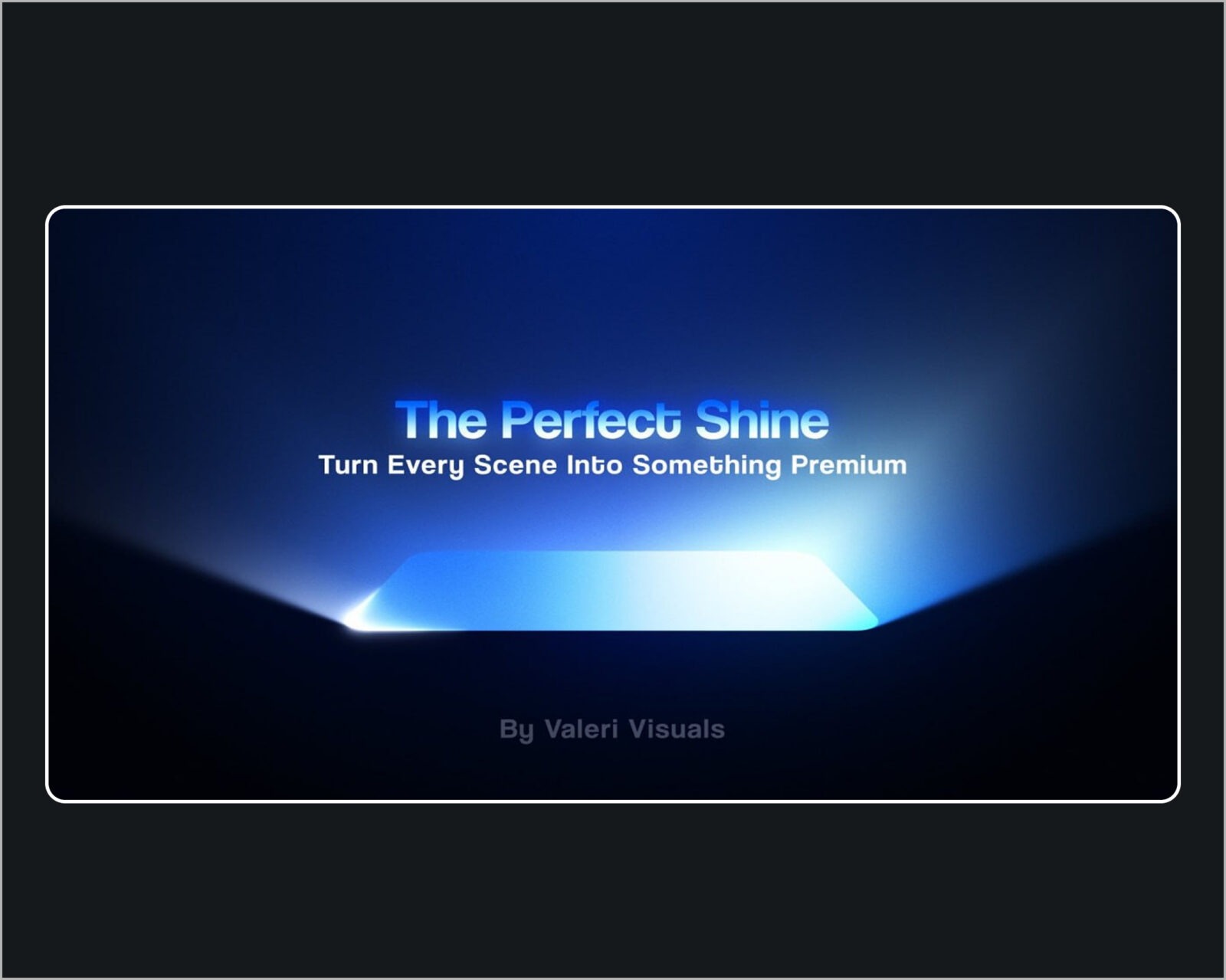
- Upgrade basic title cards and corporate branding with sleek studio-grade shine animation.
- Master the native lighting engines and velocity graph curves in Adobe After Effects.
- Create versatile, drag-and-drop Motion Graphics Templates (MOGRTs) for automated client workflows.