● Course Overview
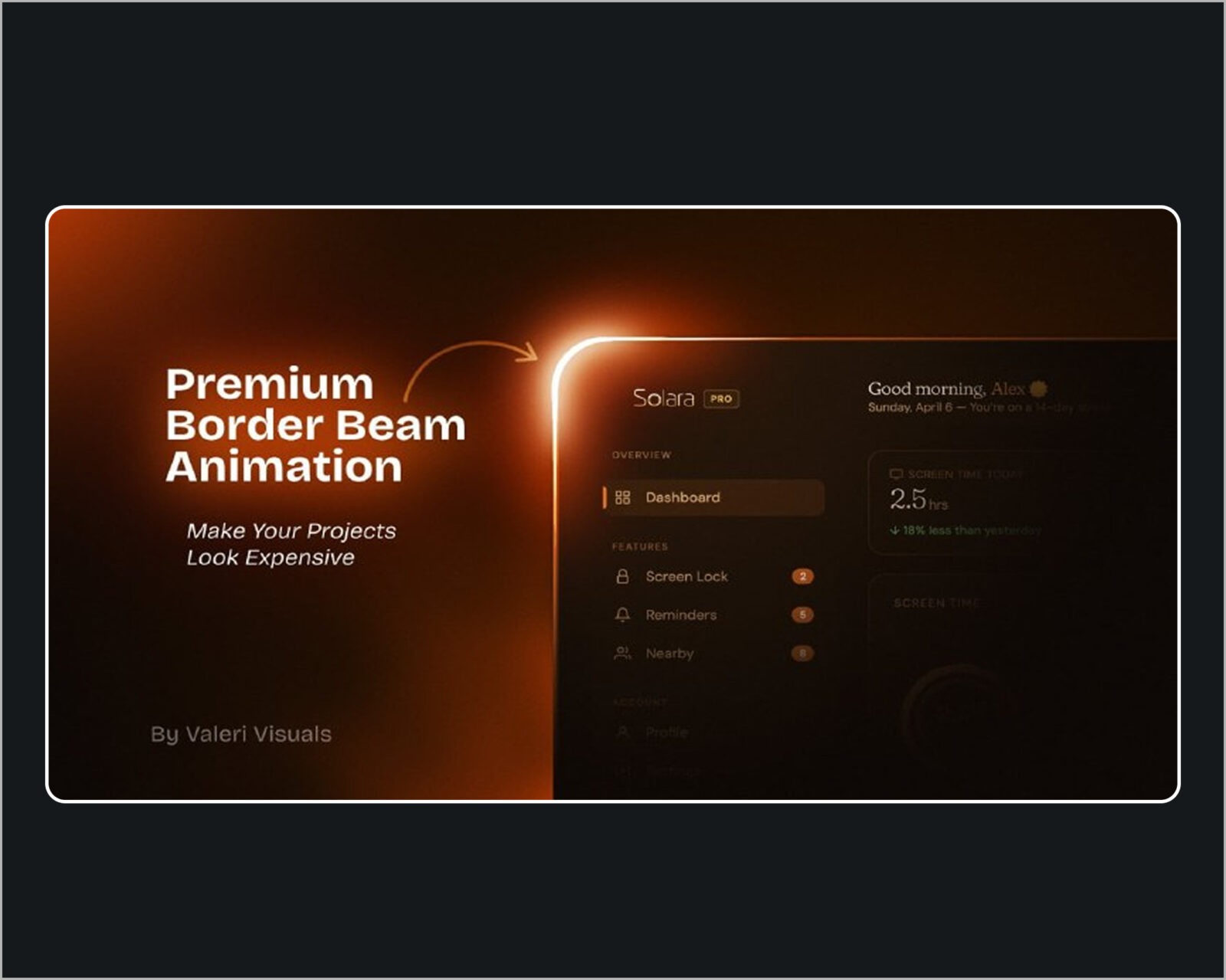
- Step up your motion design game by mastering the tech industry’s most viral visual trend: the glowing, animated border beam. Seen on top-tier SaaS landing pages, dark-mode dashboards, and cutting-edge tech product launches, this effect instantly elevates standard user interfaces into premium, cinematic experiences.
- This hyper-focused, project-based course strips away the complexity of third-party plugins. You will learn how to design, animate, and stylize these energetic vector light streaks entirely within Adobe After Effects using native tools, smart automation expressions, and professional compositing techniques.
● What You Will Learn
- Modern SaaS Canvas Design: Create pixel-perfect UI cards, dashboard frames, and containers with smooth, modern corner radiuses.
- Trim Paths Automation: Slice vector paths into short, high-energy beam segments driven by automated looping expressions.
- Advanced Stroke Tapering: Smooth out rigid strokes into fluid, aerodynamic light streaks with feathered entry and exit points.
- Multi-Color Gradient Mapping: Inject vibrant, shifting brand colors onto a moving path using advanced coloring engines.
- Cinematic Glow Stacking: Layer standard native effects to build an atmospheric, volcanic neon glow without buying expensive plugins.
- Web & Video Optimization: Export your final animations into ultra-crisp formats optimized for live websites, portfolios, or social media promos.
● Course Curriculum
● Module 1: Building the Digital Chassis
- Designing authentic dark-mode SaaS UI containers.
- Fixing the common geometric stretching bugs on rounded vector stroke corners.
- Organizing layer hierarchies for complex motion workflows.
● Module 2: The Physics of the Beam
- Applying and controlling the Trim Paths modifier.
- Writing simple, automated time expressions to keep the beam moving infinitely without manual keyframes.
- Adjusting beam length, acceleration, and traveling direction.
● Module 3: Premium Styling & Volumetric Glow
- Sculpting your beam using native After Effects Taper and Wave properties.
- Mastering the “Glow Stack” technique to create a soft, widespread atmospheric haze combined with an intense, fiery core.
- Applying dynamic multi-color shifts and glowing gradients.
● Module 4: Polish, Context, and Exporting
- Synchronizing the beam’s position to trigger secondary UI animations (like revealing a button or a text block).
- Best render settings for lightweight web playback and video presentations.
● Who This Course Is For
- Motion Graphics Artists who want to monetize the booming high-tech SaaS promotional video market.
- UI/UX & Product Designers looking to add high-fidelity motion prototypes to their portfolios.
- Frontend Developers who want to visually map out and reference complex CSS or Tailwind motion graphics before writing code.
● Requirements
- Adobe After Effects CC (2020 or newer recommended to access advanced stroke tapering features).
- A basic familiarity with the After Effects timeline, keyframes, and user interface.
- No coding or expression-writing background required; everything is explained step-by-step.