Modeling
+5 hours of the modeling process in Blender. To start the modeling process, we create a proxy mesh with box modeling techniques, and after that, the main purpose is reaching to final shape. During this method section, the most important techniques go through object-mode functions and understanding and creating overall shape and form.
Unwrapping
+2 hours of unwrapping in Rizom UV. Before getting started with the texturing process it needs to have proper UV and for this section we use RizomLab. For big objects, you need to unwrap your project with different techniques to avoid low-quality resolution after the texturing part! in this section, we use udims and overlap Techniques for this object.
Texturing and Rendering
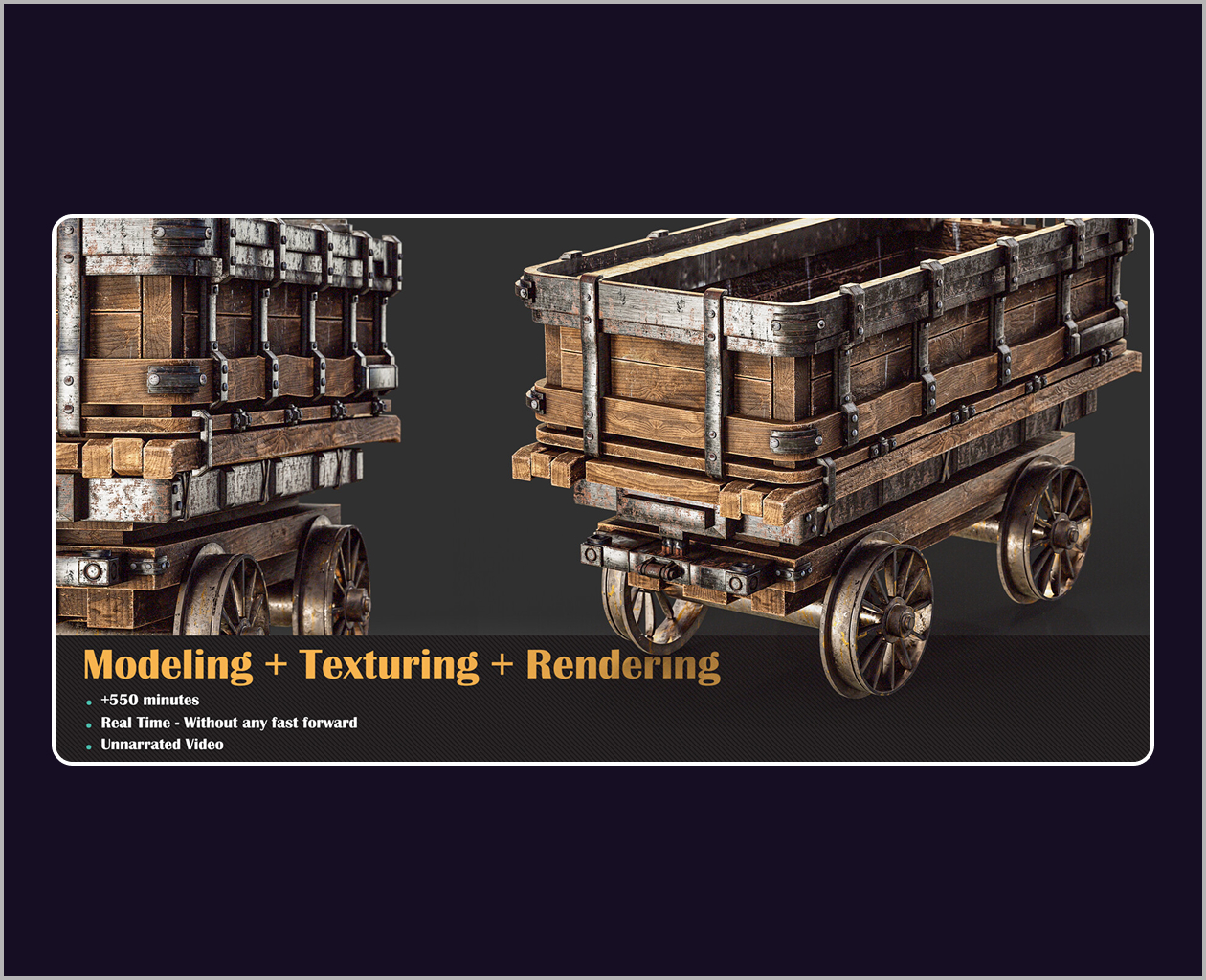
+2 hours of Texturing and Rendering: for the texturing part in the Substance Painter we start the texturing process with UDIMS or UV tile Option. After creating texture for this mining cart we are going to render it in the marmoset toolbag and finalize the project!
- Software Used:
- Blender
- Rizom UV
- Substance Painter
- Marmoset Toolbag 4