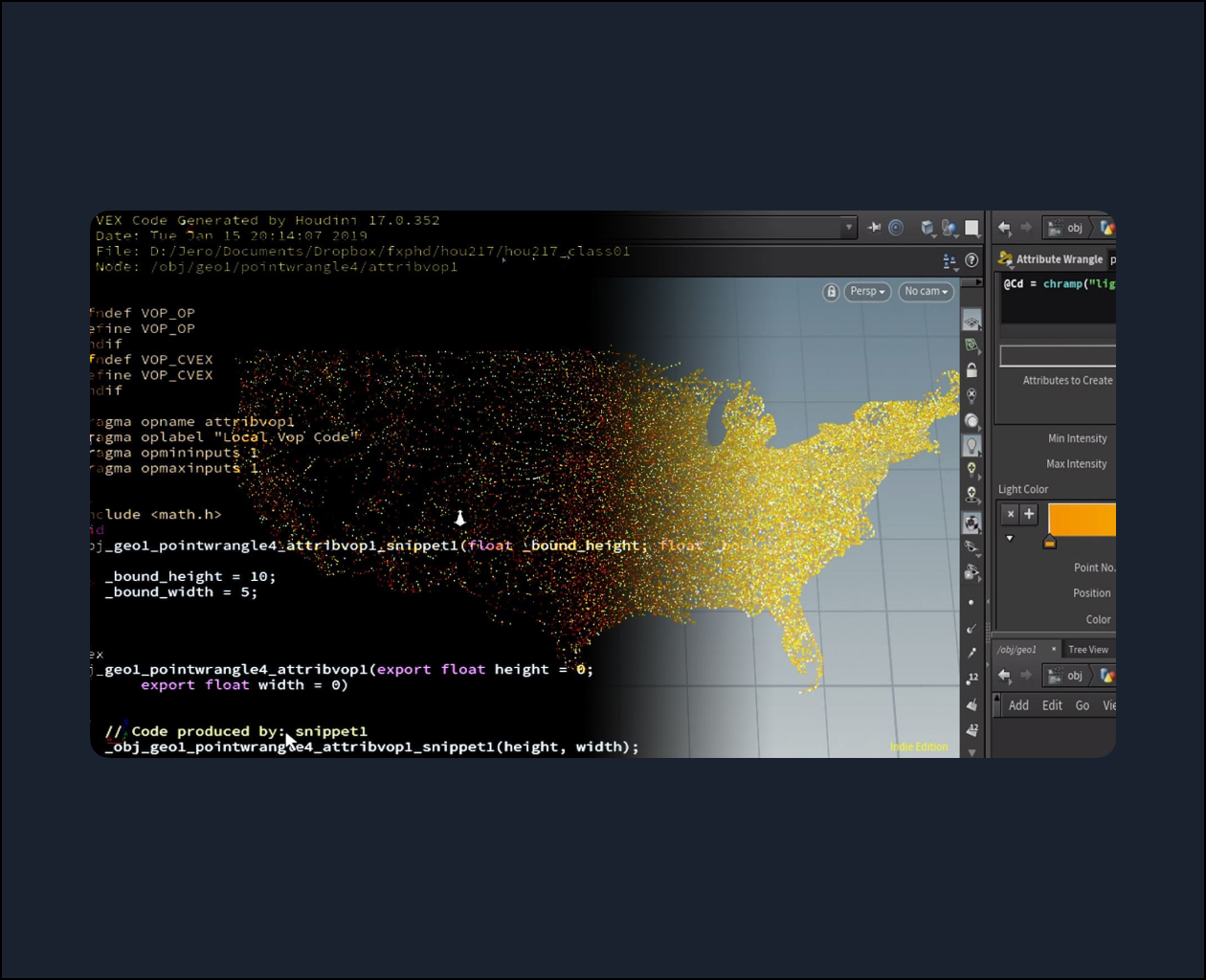
This course covers the basics of VEX, Houdini’s expression language, as well as how to use Houdini’s Python API. We will look at the strengths and weaknesses and when you should favour one or the other. VEX is an essential tool for any technical director, so we will cover all the basics starting from its syntax, the difference between VEX and VEXpressions and how it can be used in SOPs and DOPs to optimize your systems. Later on, we will take a look at some more advanced examples like point cloud lookups and matrix transformations for dealing with deforming characters and finally creating a dissolve effect purely using VEX.
Basic knowledge of Python and understanding of object-oriented programming is recommended as the whole Python component is completely concentrated on how Python works in Houdini and understanding the Houdini Object Model. In this part, we will go over manipulating nodes, parameters and geometry using Python, as well as reading a big data set in Houdini to create a render of a country’s city lights seen during the night from space. In the final exercise, we will create a shelf tool that will gather every Geometry ROP in the scene, create Fetch ROP for each one of them, and finally merge them together to have a convenient way to cache all the geometry.
Jeronimo Maggi started his career as a 3D generalist and has been working with Houdini as an FX Artist for the last 4 years. He worked for several years in the education field teaching Houdini and currently works in Method Studios Vancouver as an FX TD. Aside from Houdini, he is also programs in Python and enjoys creating tools to speed up workflows.
Video Player
00:00
01:37
Class Listing
Class 1: VEX basics, part 1
In this class we go over the very basics of VEX by taking a look at its syntax as well as the concept of defining and declaring attributes, data types, and how to define vectors and access their components. We also cover the difference between VEX and Python when it comes to manipulating geometry and how its multithreaded design makes it so fast. Finally, we learn the difference between VExpressions and VEX code and how our Wrangles end up being converted.
Class 2: VEX basics, Part 2
Having learned the fundamentals in the previous class, we go over slightly more advanced concepts such as conditionals, functions, interface controls, local variables and reference variables. All these concepts will be applied in a simple dissolve effect, where we learn how to use the xyzdist and primuv functions as well as doing point cloud lookups in VEX. In the end, we have a short introduction to VExpressions in POP nodes and what are their differences.
Class 3: Advanced VEX
In this lesson we cover some more advanced VEX by looking at how to extract two non-collinear vectors out of any geometry using a for loop to create a transform matrix which we can re-apply to an animated object after fracturing it. Finally, we go over some useful VEX examples for Bullet, such as using deforming geometry and manually manipulating pieces.
Class 4: Python Basics
We switch from VEX to Python and have a look at Houdini’s Python API: the Houdini Object Model. To better understand it, we go over some Object Oriented Programming fundamentals and then explore how we can access objects from the hou module and how they relate to each other. We cover the Node, ObjNode, SopNode, Geometry, Point, Parm, Vector3 and Attrib classes and learn about the most common methods they have.
Class 5: Python examples
We apply all the knowledge from class 4 into two examples. In the first one, we go over how to load a CSV file containing every town and city in the United States along with their population, so we can create lights for each one of them and create a night time render of all the cities. For the last exercise, we create a useful tool to gather every Geometry ROP node in our scene and create a Fetch ROP for each one of them before finally merging them all together. We have a look at how to avoid having duplicate fetch nodes as well as allowing our system to be run at any time and only update the fetch ROPs with the newly created Geometry ROPs.