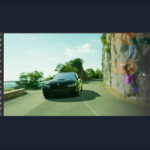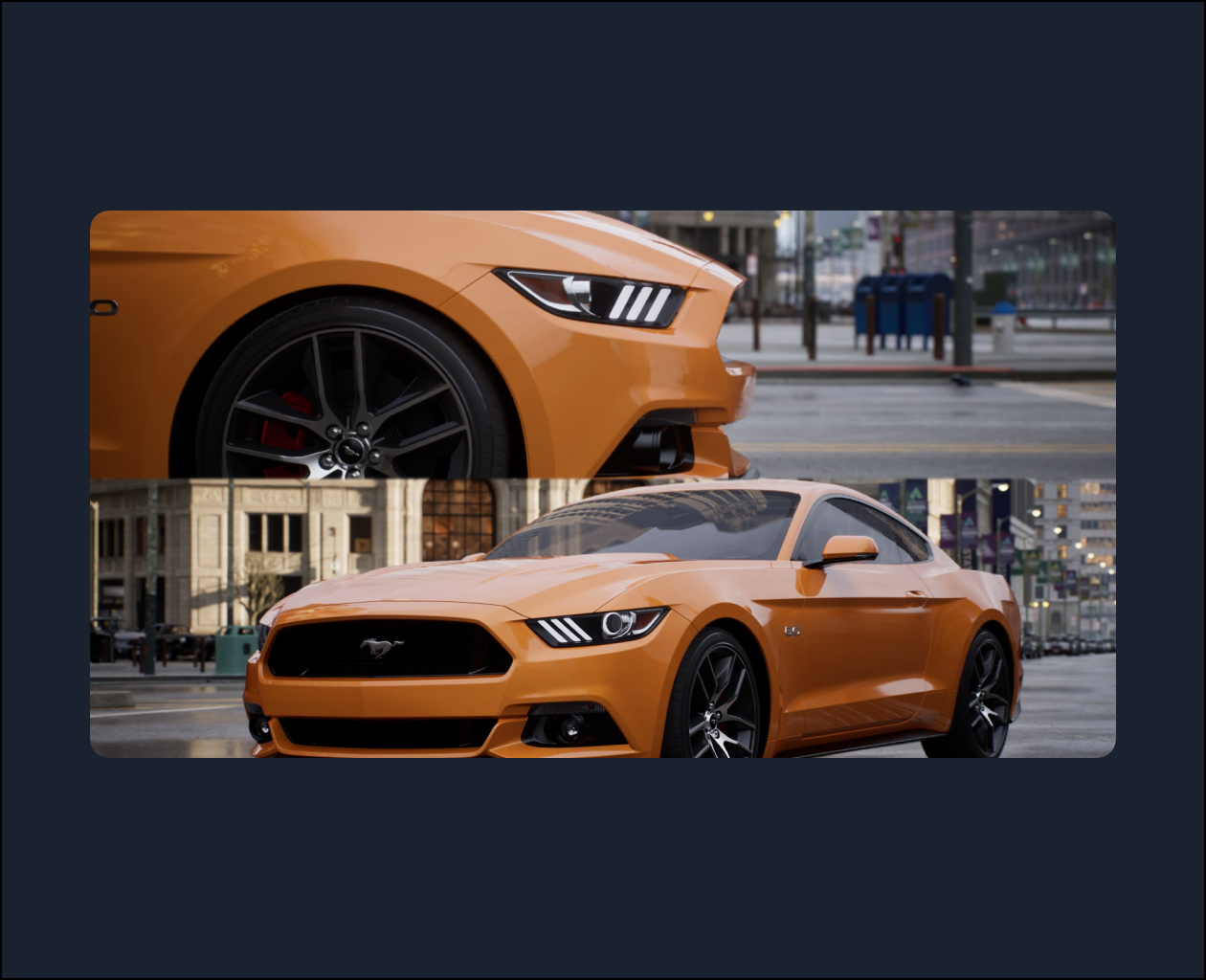
This is the first of a two-part course, which teaches how to use Autodesk Maya and Unreal Engine 5 to create a photorealistic cinematic short of a Ford Mustang in an urban city environment. The course covers material authoring, look development, lighting, virtual cinematography, and high-quality render settings in Unreal Engine.
Liam is an Australian based Senior VFX artist, who has been in the 3D industry since 2003. He has worked on various projects over the past 18 years including most recently the photoreal canyon environments for The Falcon and the Winter Soldier on Disney Plus, and the hollow earth environments for Godzilla vs Kong, as well as VFX work on other upcoming high profile feature films and episodic series.
Video Player
00:00
01:13
Class Listing
Class 1: Overview and Introduction
Introduction to Unreal Engine 5 and Automotive Cinematography concepts. Overview of class materials and how to navigate the viewport and download assets.
Class 2: Virtual Cameras
Setup of virtual cinema cameras in Unreal Engine 5, using the Cine Camera Actor, and an overview of navigating the world.
Class 3: Location Scouting
Virtual reccy (reconnaissance) & location scouting in the environment to find cinematic shots which will have dynamic and interesting visual elements to be used later in the car cinematic sequence.
Class 4: Reference Photography
How to match reference photography to the Unreal Engine 5 car asset. Importing the 3D virtual Car from Maya to UE5 for material assignment and integration into the scene.
Class 5: Materials
Setup of Epic’s Automotive Materials on the car model using the material editor. Adjusting and editing the materials to match close-up vehicle reference photography.
Class 6: Scene Setup
Placing the car into the shots and setting up the virtual digital cinema cameras. Explanation of cine prime lenses and setup in UE5 to match real-world filming techniques.
Class 7: Lighting
Art direction of lighting, setting color temperature, intensity and balance of bounce and key lights. Adjustment of camera exposure and filmic curve inside the UE5 camera settings.
Class 8: Setting up new shots and first renders
How to set up new shots based on client brief or feedback including how to quickly define new frame compositions, exposure, depth of field, and color. How to export high-resolution snapshots and render high-quality 4K animations from animations using the Movie Render Queue.