Madbax Navigation - Premium Animated Banner

Search Madbax

Find courses, tutorials, and creative resources

Enter to search
↑↓ to navigate
Esc to close
Madbax Navigation - Premium Animated Banner

Search Madbax

Find courses, tutorials, and creative resources

Enter to search
↑↓ to navigate
Esc to close
Home Courses Blender 100-Chapter Intro to Creating Cute 3D Characters in Blender
BlenderColosoUncategorized

100-Chapter Intro to Creating Cute 3D Characters in Blender

Share

Class Details

  • Now Available
  • Beginner~Basic
  • Total 100 videos, 37Hours 49Minutes
  • Korean
  • English, Traditional Chinese [Auto]
  • Class materials included

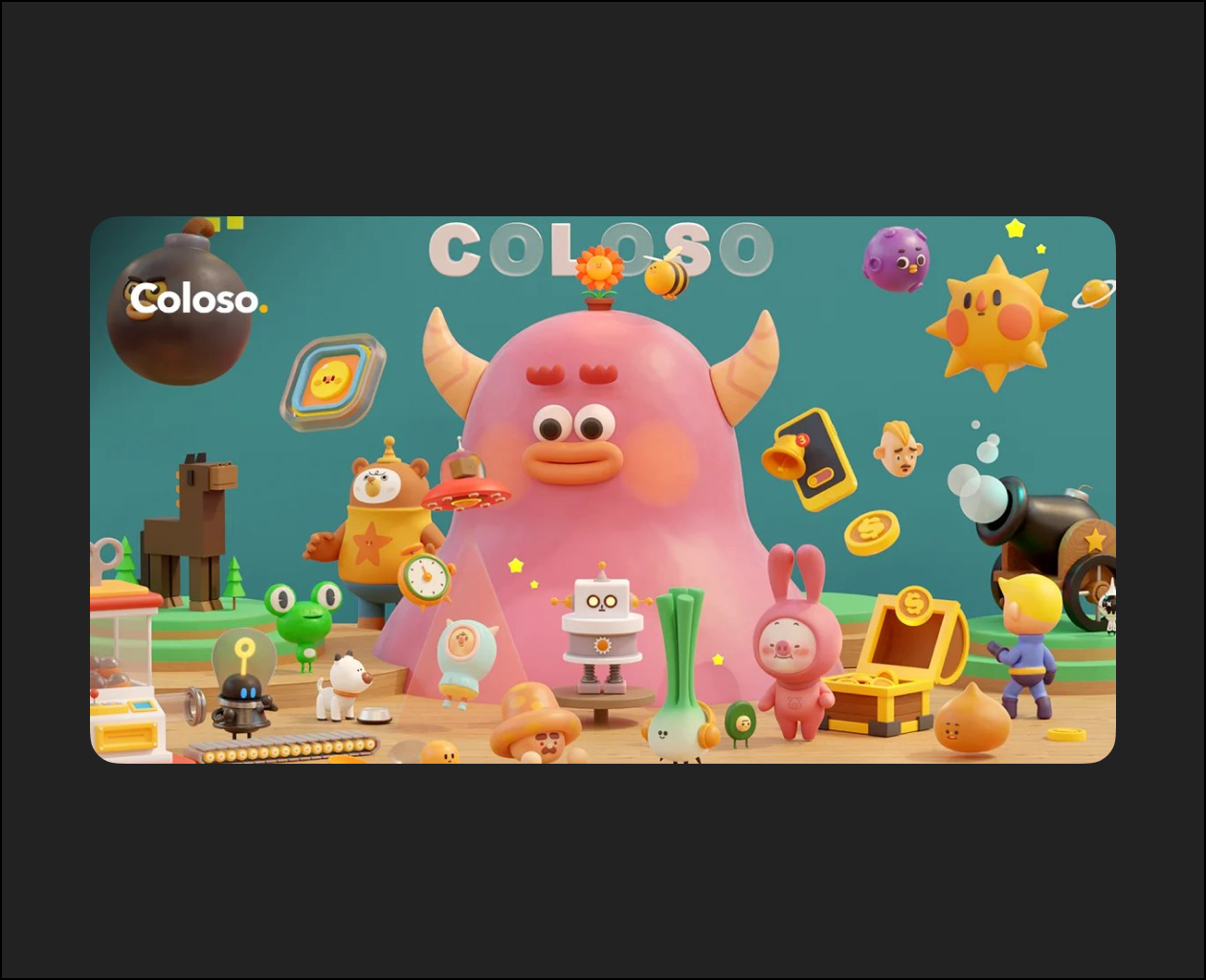
100-Chapter Guide to Crafting Adorable 3D Characters in Blender

Have you ever wondered whether you could make your own squishy and living 3D characters and build a 3D portfolio? And wanted to find a place where you could learn everything from modeling to animation all at once? But you were afraid to start because 3D design appeared too complex and complicated? Then this is the ideal course for you.

3D Artist Dalbum Dictionary image

I’ve prepared this course to alleviate your hesitations about starting 3D design. All you have to do is follow along and you’ll create high-quality 3D designs in no time.

With only a few essential features, you can create a characters and apply lively animations to them. With each step in 3D designing, anyone can create adorable characters and bring them to life.




Expert 3D Artist Dalbum’s Portfolio

Related Articles
Uncategorized

Mr Bet w Polsce – Metody wpłat i wypłat w kasynie online

Mr Bet w Polsce – Metody wpłat i wypłat w kasynie online...

The Group Buy Vault

100% Skill Improvement and Even Freelance Work: The Self-Taught Illustration Cheat Sheet (Korean)

Here is the description of the Coloso class “Foundational Drawing Skills for...

The Group Buy Vault

SketchUp, the Secret to High-Quality Webtoon Production (KOREAN)

Here is the description of the Coloso class “SketchUp: The Secret to...

VIP COURSES

Illustrator Basics to Master: Applying After Effects Motion

Here is the description of the Coloso class “Illustrator x After Effects...